
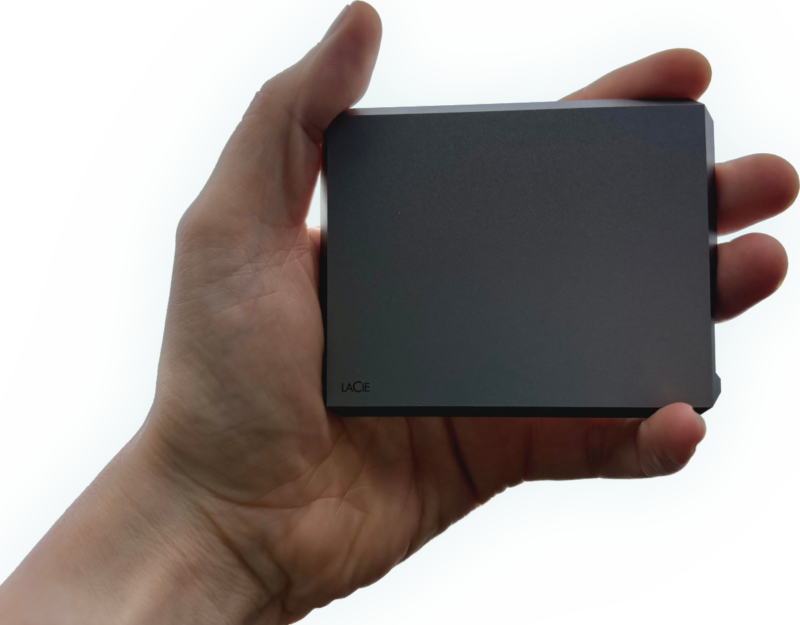
The first battle when attempting to recover one of these LaCie SSDs is getting into the thing! Fortunately LaCie have used this design before for external hard drives, so we’ve already figured it out. It’s not for the faint of heart though. You need to carefully, and delicately slip a strong bare Stanley blade into the seam on the back of the device. This is just thin enough to slide in without damaging the Aluminium, but strong enough to not snap. Warning, do not try this at home! There’s a knack to it, and you could easily slice off something fleshy by mistake.
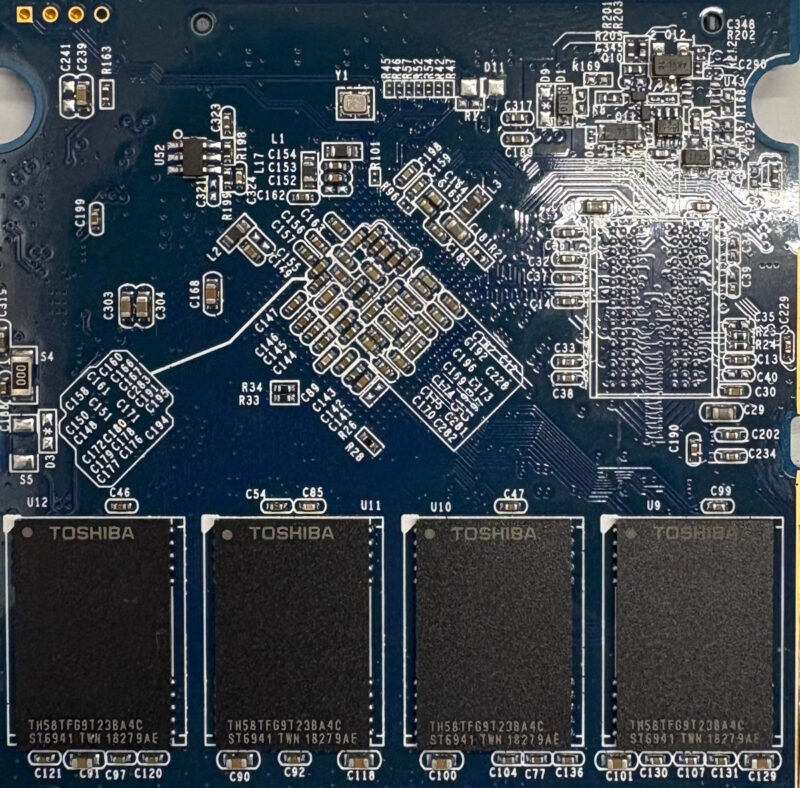
The next bonus is the controller chip — A Seagate branded Phison chip, for which we have excellent support in our tools.
The Diagnosis
When connected via the USB-C port, the bridge interface is correctly identified, but it shows no attached media. (Like a CD drive with no disc inserted.) This usually indicates that the bridge device is working OK, but the SSD is not.
When connected by SATA to our tools, we can see that the drive is stuck in Safe Mode, AKA Firmware Update Mode. The main clue is the capacity reported as just 2MB. This can happen when the drive firmware is unable to fully load, so instead reverts to safe mode.
In this case we can upload temporary custom firmware to the SSD and then read from the original NAND chips to find the data. The rebuild went well, and we were able to access all the files. Some errors were reported during the file extraction, so we suspect that one of the NAND chips had started to fail.
This was an excellent drive to work on, and the outcome was ideal. Fortunately nobody had messed with the drive before it got to us, so the NAND storage hadn’t fully degraded.
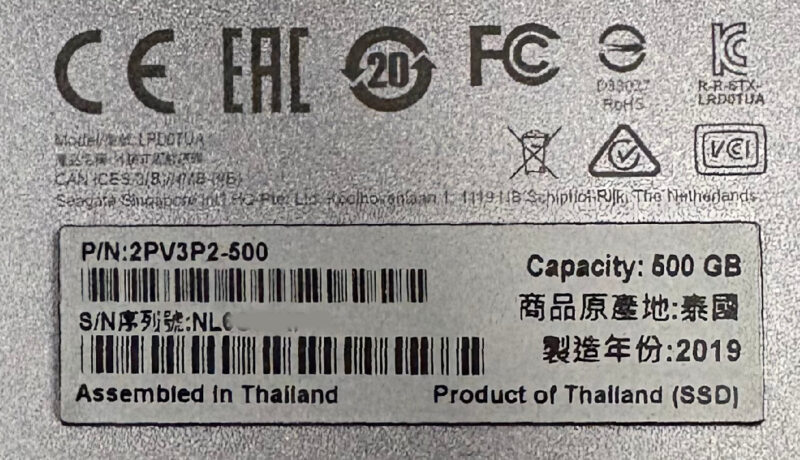
If you have a failed LaCie Mobile SSD and would like help getting it recovered…
LaCie Mobile SSD – LRD0TUA 2PV3P2-500 NB131WVE
Leave a Reply