Tag: Western Digital

  • WD My Cloud Problems

    WD My Cloud Problems
    WD My Cloud Cannot Login

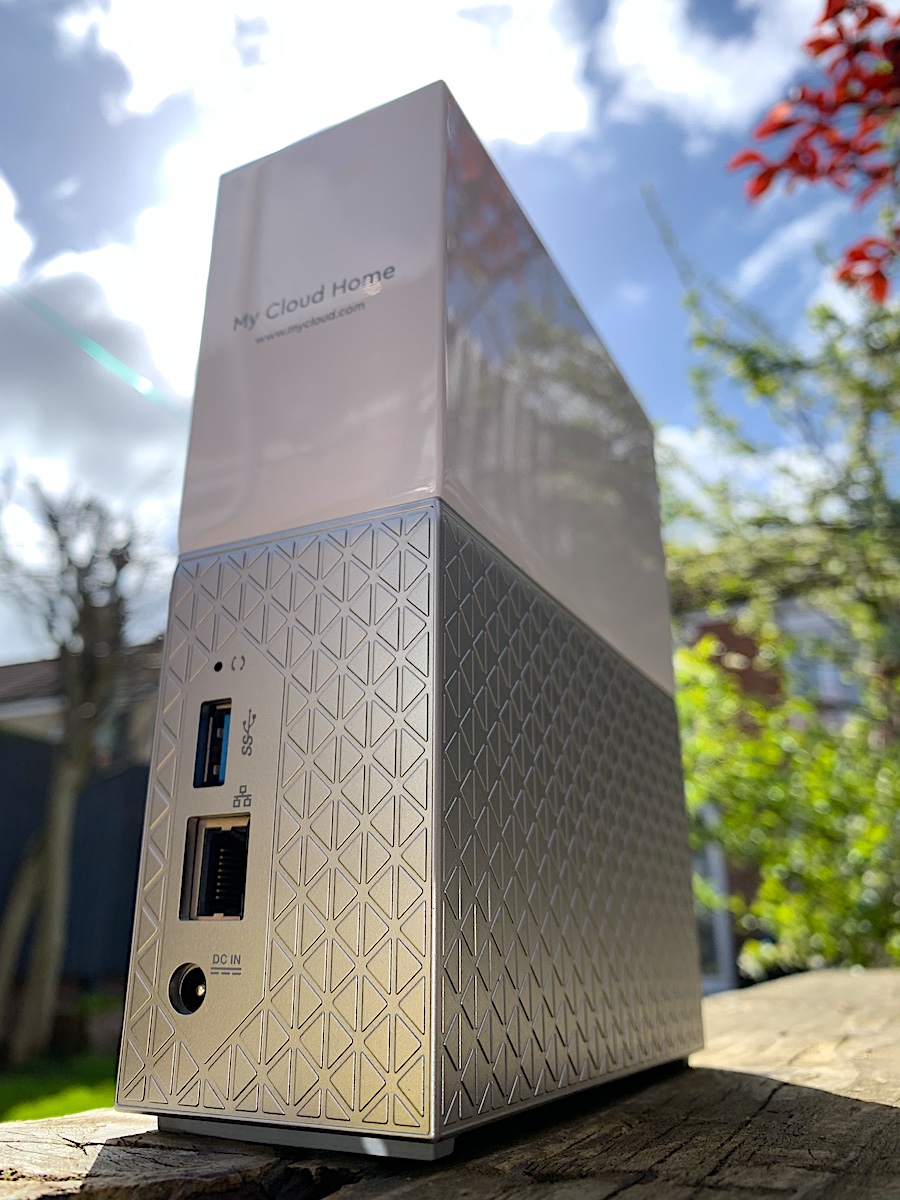
    In the last few days, we’ve heard that hard drive manufacturer Western Digital have suffered a major outage with their web services. Unfortunately due to the way these NAS drives use a web service to login, it means when the web service is down, you cannot login to your own device.

    Nobody knows if WD can bring the service back online at some point, or how long that could take. In the meantime, we’ve now recovered a few of these drives, so if you need access to your data, get in touch.

    Contact Us Now…

    For a fast reply from a real person.

    Affected Models:

    • G1C BGEJRA 3718Q
    • WDBVXC0040HWT-00
    • My Cloud Home
    • WDBVXC0020HWT-00

    Cannot Login to My Cloud

  • How To Troubleshoot Western Digital Elements External Drive

    How To Troubleshoot Western Digital Elements External Drive

    Elements is the basic brand of external drives from Western Digital. These no-frills disks are usually great value, but when they fail have a few quirks that can make recovery a little awkward. For example the small pocket sized drives usually have a soldered USB port that cannot be removed. There is also automatic encryption, even if you’ve never set a password.

    Symptoms of WD Elements Failure

    • LED permanently lit / blinking
    • LED not lighting at all
    • Clicking / ticking noise
    • Disk is not formatted. Do you want to format it?
    • Unable to see your data in Windows or macOS
    • Unable to copy or read files

    Troubleshooting Ideas

    If you have problems with a WD Elements drive, you should make some checks to see if you can narrow down the fault. Be aware that opening the external drive case will probably void your warranty with Western Digital. If there is important data on the drive you should seek professional data recovery advice before you try anything.

    That’s the warning out the way, so lets have a look at some troubleshooting.

    1. First check all cables are plugged in securely, and not damaged or frayed. If you have an identical spare cable you can try it, just be gentle.
    2. If trying a different power supply, make sure the voltage matches exactly. Amps can be higher but not lower.
    3. There is little point dismantling a WD Elements drive, as there is usually no SATA connection inside. Even if you manage to bypass the USB Port, your data will be encrypted.
    4. It’s worth plugging the external drive into another computer. If it seems to work you should copy the data off straight away. The drive could still be faulty & fail again soon.
    5. Whatever you do, don’t dismantle the actual hard drive. Hard drives are built in controlled clean-air environments and even the smallest spec of dust can cause permanent damage to the drive.
    6. These external drives are quite unique in the way they work. It is not possible to replace the circuit board (PCB) on these disks, as your PCB contains important encryption keys. On the offchance that a replacement PCB worked, your data would be scrambled anyway without access to specialist decryption tools.

    If you are looking for a data recovery service for your external hard drive have a look at our external drive recovery services.

  • Troubleshoot WD My Passport External Hard Drive

    Troubleshoot WD My Passport External Hard Drive

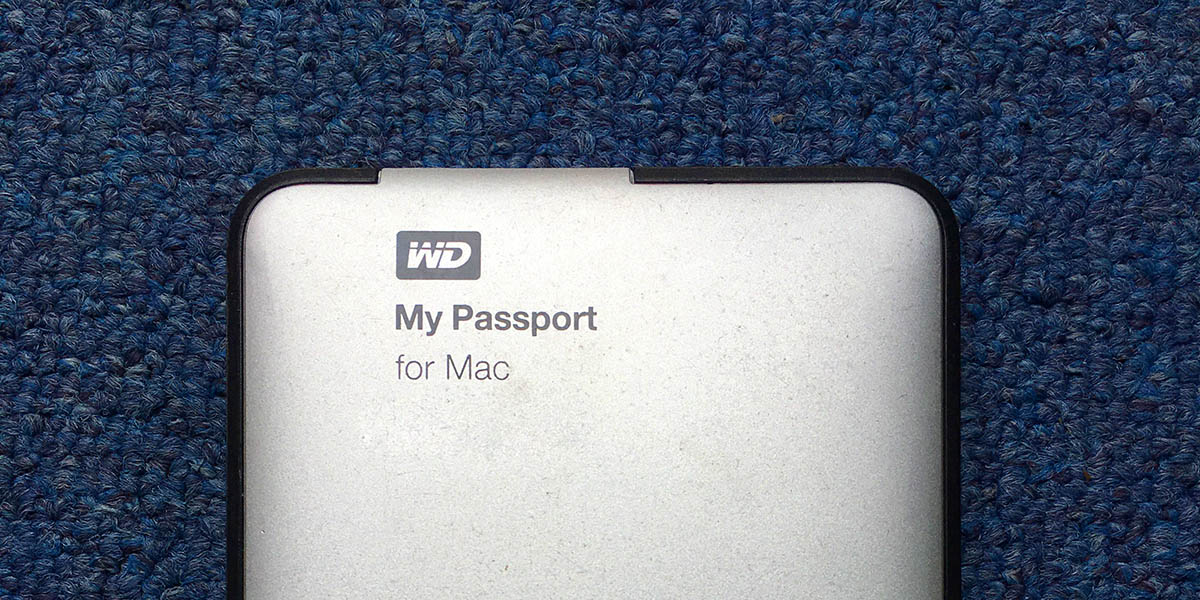
    Unlike most external hard drives, WD (Western Digital) My Passport drives are more than just a simple wrapper around a regular hard drive. WD have integrated the USB port straight onto the main circuit board. This means if your external drive fails, you can’t easily remove it to attach to a PC.

    Symptoms of WD MyPassport Failure

    • LED constantly flashing / blinking
    • LED not lighting at all
    • Clicking / ticking noise
    • Disk is not formatted. Do you want to format it?
    • Unable to see your data in Windows or macOS
    • Unable to copy or read files

    Troubleshooting Tips

    If you have problems with a WD My Passport drive, you can make a few checks to see where the fault lies. Be aware that opening the external drive case will probably void your warranty. If there is important data on the drive you should seek professional data recovery advice before you try anything.

    That’s the warning out the way, so lets have a look at some troubleshooting.

    • First check all cables are plugged in securely, and not damaged or frayed. If you have an identical spare cable you can try it, just be gentle
    • There is no point dismantling a WD MyPassport drive, as there is no SATA connection inside.
    • It’s worth trying the external drive on another computer. If it seems to work you should copy the data off straight away. The drive could still be faulty & fail again soon.
    • Whatever you do, don’t dismantle the actual hard drive. Hard drives are built in controlled clean-air environments and even the smallest spec of dust can cause permanent damage to the drive.
    • These external drives are quite unique in the way they work. It is not possible to replace the circuit board (PCB) on these disks, as your PCB contains important encryption keys. On the offchance that a replacement PCB worked, your data would be scrambled anyway without access to specialist decryption tools.

    If you are looking for a data recovery service for your external hard drive have a look at our external drive recovery services.

  • Flood and Water Damaged Hard Drives

    Flood and Water Damaged Hard Drives

    With the recent floods in the United Kingdom, it is important to know that time can be a critical factor when trying to recover data from mechanical hard drives that have been submerged or damaged by water. Most mechanical hard drives have breather holes that may allow water to enter the hard drive enclosure if submerged. If this is the case then the longer the hard drive is left in this condition the worse the internal damage. Even if the hard drive is left to dry out, internally the damage has already been done. Our advice is not to try this if the data is critical to you or your business.

    Any water damage hard drives that we receive go straight into our clean room environment to be dismantled and dried out internally. The hard drives external electronics would also require a cleaning process to prevent any electrical shorting caused by the water residue.

    Although Solid Sate Hard Drives ( SSD ) do not have any mechanical moving parts, they are still prone to damage to the data chips and electronics by residue left by the water. Very much as mechanical hard drives they would require dismantling and specialist cleaning to ensure no electrical shorting of components.

  • What To Do With A Dropped Hard Drive

    If there is data on the drive that you cannot afford to lose, then do not try to fix the drive yourself. I would also suggest that you do not even try to power it back on after it has been dropped, as this is what usually causes the most damage. Whether your drive is an external desktop drive or a small portable one, they all work in the same way. Broadly speaking the inside of a hard drive is a bit like a record player with a mechanical moving needle reading the vinyl record. I can remember the times when playing old vinyl records, once you got scratches on them they never really worked the same again.

    So I recommend not to panic, decide on what the value of the lost data is to you. Sometimes it may not be money value but a sentimental one. Once you have decided, then carry out some research online and look at data recovery company reviews. From our experience with dropped drives, the amount of work involved in overcoming the problem would not be covered by the low initial cost that some data recovery companies advertise and therefore the cost would soon escalate.

    There is always hope of recovering data from a dropped drive but as you have read, it depends on your actions as to the eventual outcome.

  • We Recovered a Western Digital Hard Drive That Others Couldn’t

    We Recovered a Western Digital Hard Drive That Others Couldn’t

    Case Study

    Drive: WD3200AAJS-40RYA0
    Problem: Clicking. Diagnosed by multiple third parties as unrecoverable.

    This hard drive has travelled the globe and had been looked at by various data recovery companies, eventually landing on the desk of our data recovery partner in Amsterdam. Our partner then asked us if we were up for a challenge and explained to us that the last data recovery company to look at the drive in Portugal had given up with no success.

    Third Party Feedback

    We got in contact with the company in Portugal and they explained to us that they had tried mechanical and firmware repair, but both did not overcome the problem.

    Booking In

    Once the drive was booked into our process, it was clear that the warranty seals had been removed and the top cover had been previously opened. Therefore we needed to take the hard drive straight into our clean room to check for any media damage and also to confirm that the mechanics of the drive had been rebuilt correctly.

    Findings

    We found no cause for concern in the clean room examination. The drive appeared to be clean and was correctly rebuilt. We replaced the internal heads with a new set as a matter of course and rebuilt the drive and then moved to the next stage of our process. The drive was then powered up on our proprietary equipment and an extensive firmware check and fix process was carried out. Perseverance was the key to overcoming the firmware corruption. It was apparent that a lot of the original firmware had been totally overwritten and a lot of painstaking work was done over the next few weeks to rebuild the firmware to eventually allow the drive to come ready.

    Imaging

    Once it was established that we could access the data area of the drive, it was put into a block level head map imaging process. This allowed us to control the drive and to further stabilise it by imaging each disk surface individually. Once this process was complete a file extraction was carried out on the image to reveal the original folder and file structure.

    Result

    The image process was a complete success and resulted in over 190GB of data recovered. A  folder and file structure list was sent to the customer, who acknowledged saying that all the data had been recovered.

    Once again we were able to test ourselves against our competition, all be it in Portugal.  In this case the customer was fortunate to seek advice from our data recovery partner in Amsterdam who recommended us. We can’t help but wonder how many people are told that their data is lost for ever, without the thought of getting a second opinion.

    If you need data recovery from a similar hard drive, you may be interested in our Western Digital Data Recovery Services.

  • 2TB Western Digital 2nd Opinion

    2TB Western Digital 2nd Opinion

    Case Study

    Drive: WD20EARS-00MVWB0
    Problem: Clicking. Previously diagnosed by a third party as unrecoverable due to media damage.

    We are always keen to test our services against our competitors, just to make sure we’re still up there with the best of them. When we heard from one of our service partners (ABC Rawpaw) that one of the top ranking data recovery companies on Google had given up on a customer’s drive, we were curious to take a look. It’s also worth mentioning that the client had paid £234 to the other company, despite them recovering no data.

    Third party report

    We received a copy of the original diagnosis report with the hard drive. The report mentioned incorrect head alignment and also damage to the head assembly preventing the drive from functioning correctly. It also stated that they had subsequently replaced the old heads with new ones but due to suspected disc damage, recovery was unsuccessful. A plausible enough report, but was it accurate?

    Booking in

    The drive was booked into our process. We noted that the warranty seals had been removed and the top cover showed signs of being previously opened. Whenever we receive a drive in this state, we always want to make sure the drive has been rebuilt correctly. We need to do this in our cleanroom to prevent any contamination getting in from the air. Our office is clean, but it’s no place to open a hard drive.

    Findings

    The inside of the drive was examined in our cleanroom and found to be spotlessly clean. There were no signs of disc damage or particles, but we did notice that the screws were not factory-tight, suggesting previous work had taken place. Happy that there was nothing untoward inside the disk, it was rebuilt for further diagnosis. The drive was powered on and initially failed to reach a ready state. This is common for Western Digital drives as they often have firmware corruption. We used our proprietary firmware tools (and John’s keen knowledge) to repair some of the firmware area of the drive which then allowed the drive to reach a ready state and allow access by our imaging tools.

    Imaging

    We did find that one of the heads was not performing within spec, but we were able to work around this, again using specialist tools. After imaging the majority of the drive we replaced the heads to allow better access to the missing areas. This helped improve the amount of successfully recovered data.

    Result

    We ended up with over 800GB of data recovered from the drive in good condition, even though one of the biggest companies (according to Google) was unable to get anything! This is not the first time we’ve recovered data where others have failed, but we always wonder how many people give up on ever seeing their data again, even though it may be recoverable with the right knowledge.

    In the end we had an extremely happy customer (and service partner), and were able to test ourselves against one of the biggest data recovery firms in the UK. A great result for us that shows the importance of getting a second opinion.

  • PGP Whole Disk Encryption

    PGP Whole Disk Encryption

    PGP WDE is an encryption tool that uses a boot loader installed on an internal hard drive. This utility launches before Windows and prompts the user to input their password. Without the password you cannot gain access to the data.

    This utility is widely used by IBM personnel and is now part of IBM’s  process that has to be adhered to by end users. Prior to this utility IBM hard drives were restricted access by a low level ATA hard drive password setup  by the internal IBM IT department.  As computer systems advanced and maybe as a result of a reduced IBM IT department,  IBM adopted the user friendly PGP encryption process.

    We regulary receive these hard drives from IBM, and we find that the major problem is related to the PGP boot sequence. PGP does not like a hard drive that is suffering from bad sectors, especially within the partition table. It results in the user being unable to load their access code on startup, or in some cases the code is accepted but does not boot correctly due to bad sectors further along.

    We have a lot of experience recovering data from PGP whole disk encrypted hard drives and as a result our data recovery process has a very high success rate.

  • Mavericks (10.9) Western Digital Data Loss (UPDATED)

    Mavericks (10.9) Western Digital Data Loss (UPDATED)

    We’ve been hearing reports of data loss with certain external hard drives after an upgrade to the latest Mac operating system Mavericks. The blame seems to fall to the disk management software that Western Digital bundle with their external hard drives. In response WD has removed WD Drive Manager, WD Raid Manager, and WD SmartWare from their website until they figure out the problem.

    We have already had first-hand data recovery enquiries for such disks, so it remains to be seen if these issues can be resolved, or if the data is permanently damaged. One notable case involved a 6TB RAID with two 3TB drives in a mirrored array. After the update to Mavericks, the volume appeared as an empty 3TB drive.

    It’s worth noting that even if you use a Western Digital RAID drive set as a mirror, this problem can still cause data loss. Both disks in the mirror are susceptible to the same problem. Remember that RAIDs need to be backed up even more than single disks!

    More info and links at MacRumours

    Update – 8-11-2013

    We’ve now completed the recovery process for one of these hard drives. It appears that the drive we received had been formatted to an empty MyBook volume. The way the Mac filesystem stores data means although most of the files can be recovered, it is not possible to restore the original file and folder structure. This causes issues for files like InDesign which link to external files by name when you add graphics to the document.

    We’ve not yet seen enough of these disks to know if this is a common outcome for all affected disks.

  • Maxtor DiamondMax Clockwise Discs

    You have heard of the myth about water behaving differently from the northern hemisphere compared to the southern hemisphere. Especially when draining water out of a sink or bath. Well apparently this is a myth and not fact.

    So what has this got to do with hard drives? Well the same was said about some of the old Maxtor hard drives and why they were built with clockwise disc rotation. Where they built for the southern hemisphere market and do they work as well in the northern hemisphere. Built in mid 2000 the Maxtor DiamondMax 10 hard drives were designed to spin in the opposite direction to the conventional mechanical hard drives.

    I could not find any information as to why they were built this way and whether this design did improve performance depending on location in the world. Maybe this question will never be answered.

    See pictures below of a the internal working of a conventional hard drive compared to the Maxtor DiamondMax 10 hard drives.

    Conventional WD Hard Drive

    Conventional Anti Clockwise Disc
    Conventional Anti Clockwise Disc

    Maxtor DiamondMax Hard Drive

    Maxtor DiamondMax Clockwise Discs
    Maxtor DiamondMax Clockwise Discs