
Data Recovery Blog
A selection of our articles, written by us and not Ai generated. These are generally details of some of the recoveries we’ve completed, or other associated info.
-
Add Another Time Machine Disk
If you need to add or change your Time Machine™️ backup drive, the process is pretty simple. Plug in a new disk and make sure there is nothing on it that you need. In most cases Time Machine will ERASE the disk before using it! You have been warned. Now might be a good time to find the disk on your desktop and rename it to something obvious like “backups” for example. Next, open Time Machine Preferences from the Time Machine menu. If you don’t have the Time Machine icon near the clock, you can also find the settings within…
-
Mislabelled Apple Hard Drives MK3253GSX MK1653GSX
I have a particularly nerdy Apple rabbit hole to share with you today involving the labels on Apple hard drives. At some point around 2007-2008 Apple started re-labelling the hard drives used in their computers. I’m pretty sure the hard drives in black & white MacBooks were standard white labels with an Apple part number (655-XXXX) printed on them. Now disks feature a black label with white text. Not particularly exciting, but maybe somebody (Jony?) wanted the disks to match the fancy black circuit boards now used in all Apple hardware. That’s the sort of attention to detail we’ve come…
-
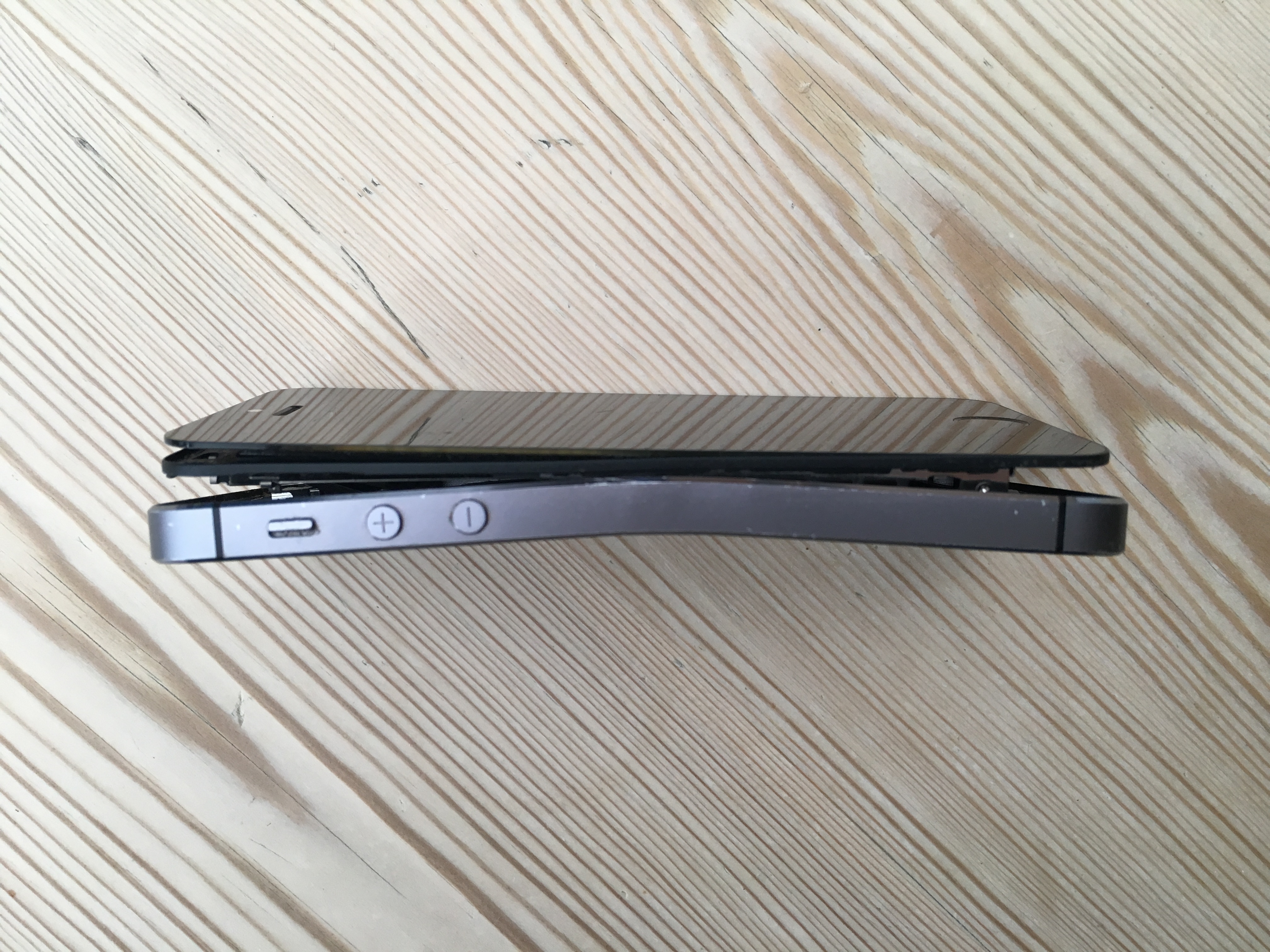
Bent iPhone Data Recovery
We’ve had our fair share of unusual and difficult recoveries over the years, but I have to share a photo of this bent iPhone we recently recovered. It’s an iPhone 5s that has seen better days. I’d love to know how anyone could bend a phone that far without also smashing the screen! It’s impressive. As always, my first concern was extracting the damaged Lithium battery. I removed that straight away and disposed of it before starting the recovery. With a bit of TLC and a new battery and screen, the phone was just about working. It stayed working long…
-

Backup Your Data. It’s Not As Tough As You Think
According to the latest Backblaze survey, 21% of people have never made a backup of their files. The figures show a gradual increase in backups since 2008, but there’s still at least one in five people 🙋♂️🤦♂️🤦♂️🤦♂️🤦♂️ that are risking total data loss. And more than half of the people surveyed had no recent backup. Fortunately technology has changed a lot in the last few years. There are a whole host of companies that offer free cloud storage. Large capacity, fast, and cheap external disks have also made backups at home easier. Software improvements in macOS and Windows have made backups automatic,…
-
Stuck MacBook Trackpad Bulging Battery
If you have a MacBook or MacBook Pro that’s a few years old, you might have a problem hiding right below your fingertips. If your trackpad has become difficult to press, or stopped clicking all together, you could have a dangerous faulty battery. In MacBook & MacBook Pro laptops, the battery is directly below the trackpad. When the battery fails it can expand, pressing into the bottom of the trackpad. Explosion? I’m not sure quite how risky these batteries get, but they almost double in size. Standard battery advice says don’t pierce or burn but when these battery start expanding…
-
SQL Database Data Recovery In Hampshire
Despite falling out of favour in giant tech companies, there are not many businesses in the UK that don’t use some sort of SQL database. Whether that’s a website running WordPress & MySQL or an intranet hooked up to an MSSQL DB, SQL is still everywhere. Even iPhones use SQLite to store Notes and other data inside apps. On Disk Problems Sometimes the fault lies with the underlying disk, Virtual Machine, or RAID array that the file is stored on. First we solve the disk problem and then extract a working copy of the database. Inconsistency Another issue with database…
-

Why Cloud Backup Is Not Enough
If you have a computer, tablet, or mobile you most likely have some of your data stored in the cloud. It may just be syncing your contacts or calendar, or even backing up your photos from your iPhone or Android phone. Whatever the reason it is now a cheap way of keeping your data safe. Or is it? Never take for granted that your data is getting backed up correctly. Check it yourself. I had a situation just recently where my wife’s iPhone had just gone through a 60℃ wash. “That’s okay,” I said, “We have all your data on…
-
Why You Should Never Open A Hard Drive
See our video below to find out why you should never open a hard drive. Transcript Instead of a needle, hard drives use tiny magnets to read and write data. The heads don’t actually touch the disc. But you’d only see that if you got close Super close The heads float just three nanometers above the disk In comparison, a spec of dust in the air is 166 times bigger than the gap. It would be like trying to kick a football through a gap the size of an ant So if that giant spec of dust can’t fit through the…
-

How To Troubleshoot Western Digital Elements External Drive
Elements is the basic brand of external drives from Western Digital. These no-frills disks are usually great value, but when they fail have a few quirks that can make recovery a little awkward. For example the small pocket sized drives usually have a soldered USB port that cannot be removed. There is also automatic encryption, even if you’ve never set a password. Symptoms of WD Elements Failure LED permanently lit / blinking LED not lighting at all Clicking / ticking noise Disk is not formatted. Do you want to format it? Unable to see your data in Windows or macOS…
-
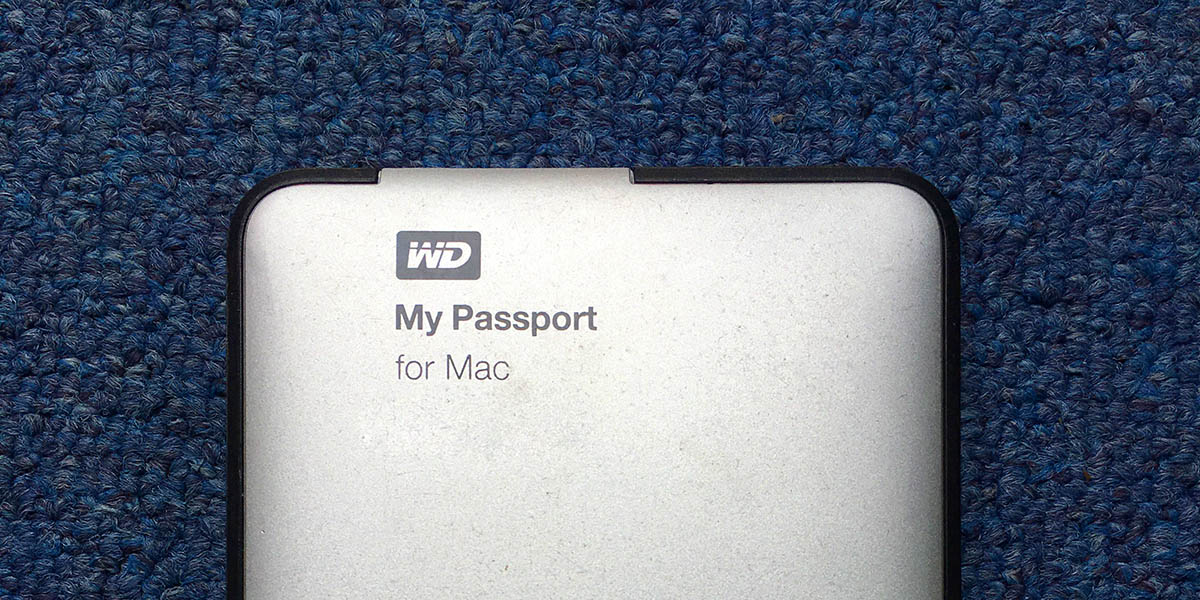
Troubleshoot WD My Passport External Hard Drive
Unlike most external hard drives, WD (Western Digital) My Passport drives are more than just a simple wrapper around a regular hard drive. WD have integrated the USB port straight onto the main circuit board. This means if your external drive fails, you can’t easily remove it to attach to a PC. Symptoms of WD MyPassport Failure LED constantly flashing / blinking LED not lighting at all Clicking / ticking noise Disk is not formatted. Do you want to format it? Unable to see your data in Windows or macOS Unable to copy or read files Troubleshooting Tips If you have problems with…